How to Render Luxury Products for 3D Holograms
Published: July 8, 2026
By: Smart AV Solutions
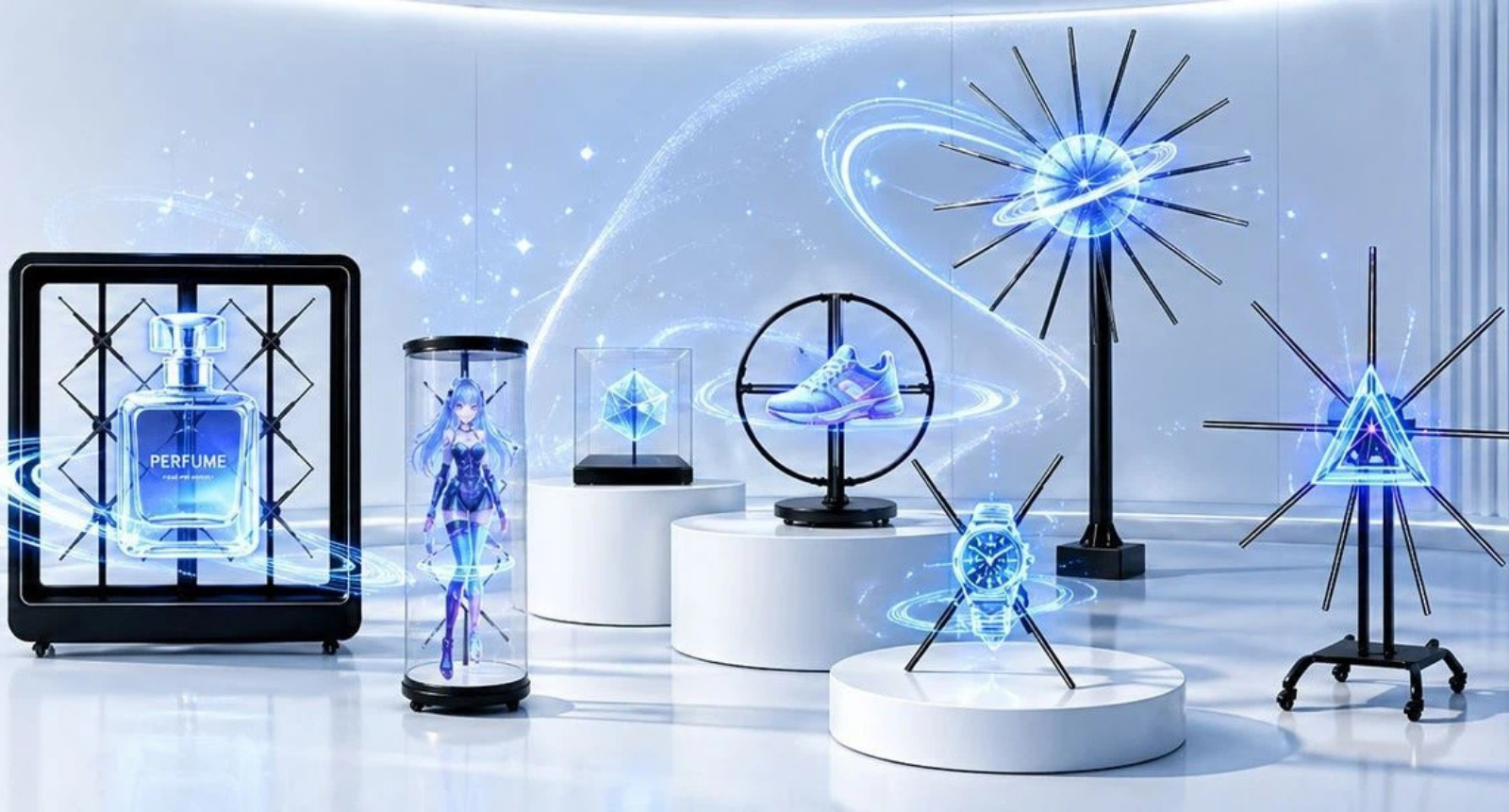
Luxury retail lives and dies by presentation. Across Singapore’s premium malls, hologram fans now showcase watches, handbags, and cosmetics in eye-catching 3D — but only when the source visuals are built for the medium. Feed a hologram fan flat, poorly layered artwork, and the result is a smear of light instead of a floating product.
This guide walks through the rendering principles that separate convincing 3D holograms from disappointing ones, flags the mistakes that ruin depth perception, and hands retail managers a checklist to keep design teams on track.
Meeting BCA Structural Regulations for Heavy Displays
Deploying cutting-edge 3D hologram fan displays within Singapore’s premium shopping centers requires strict compliance with local engineering and safety frameworks. The Building and Construction Authority (BCA) regulates all commercial signage installations to ensure public safety in high-traffic retail corridors. Before you render luxury products for a live campaign, retail project managers must verify that the underlying hardware setups fulfill all structural engineering, load-bearing, and temporary building codes outlined below.
- Wind Load and Structural Stability: For open-air storefronts or atrium installations, large hologram fan enclosures must withstand structural forces and air turbulence from public walkways.
- Approved Temporary Structures Framework: Hologram fans mounted onto temporary mall kiosks or pop-up booths must comply with BCA Temporary Building Regulations regarding anchoring and framing.
- Public Safety Clearances: High-speed spinning LED blades must be safely enclosed behind acrylic shields or mounted at heights exceeding standard reach to protect mall crowds.
- Load-Bearing Certification: Wall-mounted or ceiling-suspended hologram arrays must be securely anchored to structurally certified tracking systems capable of handling consistent operational vibrations
Rendering Principles for True 3D: How to Render Luxury Product
Creating assets for high-speed spinning LED blades requires a fundamental shift away from traditional media formats. To capture the attention of affluent shoppers, design teams must understand the core spatial mechanics required to render luxury products effectively for 3D holographic projection. Failing to execute these foundational settings will cause your high-end merchandise to look flat, blurry, or unconvincing on the retail floor.
- Layer separation: without at least three distinct depth planes, the fan has nothing to project into space — it just spins a flat image, which often looks worse than a static poster.
- Lighting consistency: a render lit for a clean studio softbox can look washed out under a mall’s warmer overhead LEDs, so match color temperature to the actual install site before the final render, not after.
- Rotation angles: fewer than roughly 24 poses per full rotation and the eye catches the animation jumping between positions instead of flowing.
- High-resolution textures: a blurry watch dial or handbag stitching is the first thing a shopper’s eye catches at close range — it undercuts the exact luxury cue the display is meant to create.
Case Example: Luxury Watch Brand at Marina Bay Sands — How to Render Luxury Products
A Swiss watch retailer operating a flagship boutique at Marina Bay Sands initially launched their campaign using standard, flat 2D product renders on their multi-fan hologram display array. Because the source files lacked dimensional data, the fast-spinning LED blades produced a blurry, washed-out projection that looked flat and failed to capture the attention of affluent shoppers walking the corridor.
Recognizing the bottleneck, the brand’s creative agency completely rebuilt the visual assets specifically for holographic playback. The design team introduced separate foreground and background depth planes, applied dynamic multi-angle studio lighting to accentuate the watch bezel, and layered ultra-high-resolution reflective textures to accurately mimic how light interacts with sapphire crystal glass and polished precious metals.
Common Mistakes to Avoid When You Render Luxury Products
Transitioning from traditional flat media to holographic displays introduces several technical hurdles for creative teams. Even experienced designers often stumble when adapting their workflows for spinning LED hardware, leading to low-quality outputs that fail to convert. To successfully render luxury products for premium storefronts, you must stay vigilant against these common pitfalls that can instantly ruin the illusion of true three-dimensional depth:
- Feeding fans 2D product images: The hologram fan still spins and projects light, but because there is zero parallax data or physical separation between foreground and background visual elements, the asset reads as a flat, two-dimensional photo awkwardly wobbling in a circle rather than an object floating in open space.
- Skipping lighting calibration: A 3D render that looks vibrant and perfectly balanced on a color-accurate studio monitor can instantly turn dull, gray, or washed out the moment it plays under the intense, warm ambient glare of Singapore mall overhead lighting or spotlight arrays.
- Overloading fans with heavy file sizes: Exporting massive uncompressed media files bottlenecks the display’s onboard media processing unit; this lag and stutter tends to show up first as frame-dropping at the extreme edges of a product’s rotation cycle, which is exactly where a shopper’s eye is naturally drawn.
- Skipping rotation angles: Using too few unique poses or angles across a 360-degree loop forces the product to jarringly jerk and snap between frame transitions instead of turning smoothly—a mechanical stutter that reads as cheap and low-quality, completely undermining the premium luxury aesthetic.
Rendering Checklist for Retail Managers to Render Luxury Products
Managing a high-end digital display campaign requires strict oversight from asset creation to final storefront deployment. To ensure your design agency delivers high-fidelity visual content that meets brand standards, use this practical framework during creative reviews. This quality control checklist will help you systematically audit every file asset, making sure your team has the exact technical specifications needed to render luxury products perfectly for your 3D hologram fan displays.
- Mandate Layered 3D Assets to Render Luxury Products – Request native 3D assets constructed with at least three distinct depth planes from your design team. Explicitly reject flat 2D images or simple cutouts, as they lack the dimensional depth data required to render luxury products with a true floating effect.
- Enforce Real-World Lighting Calibration – Confirm that the digital environment lighting matches the actual ambient conditions of the mall installation site. Have the design team adjust color temperatures and reflective glare to successfully render luxury products under intense overhead retail spotlights.
- Insist on Premium High-Resolution Textures – Require ultra-high-resolution textures for every SKU to preserve fine material details. Shoppers view displays at close range, making it essential to render luxury products without blurry leather grain, stitching, or metal bezels that look instantly cheap.
- Specify High Frame-Rate Rotation Sequences – Demand an animation loop with a high density of rotation angles—ideally at least 24 to 30 distinct poses per full 360-degree cycle. This high frame rate ensures the system can smoothly render luxury products in motion without mechanical stutter.
- Execute On-Site Hardware Sandbox Testing – Test the finalized media file directly on the target 3D hologram fan hardware at the storefront before launch. Real-world testing is the only way to confirm the device can correctly render luxury products without file compression issues, color shifts, or frame-rate drops.
The Takeaway
Luxury products deserve luxury presentation. Get the layering, lighting, and rotation right, and Singapore retailers can produce holograms that genuinely appear to float — turning a technical checklist into a measurable lift in shopper engagement and ROI.
Ready to Optimize Your Singapore Retail Display?
Choosing and rendering the perfect 3D hologram asset requires balancing physical mall lighting conditions, file sizes, and high-resolution textures. You do not have to map this technical architecture out alone.

Welcome to Smart AV Solutions Singapore, your destination for smart home solutions. We help you transform your home into a modern and efficient living space with our state-of-the-art products and services. Discover the full potential of a smart home with us today.
Shop Now
Quick Links
Get In Touch
2 Yishun Industrial Street 1, #04-11 North Point Bizhub, Singapore 768159
- Email: sales@techcom.co
- Phone: +65 6677 0000
- Phone: +65 9277 8888
- Hours: Mon-Fri 9:00AM - 5:00PM