Interactive Whiteboard: A Smarter Way to Present, Teach, and Collaborate
By: Smart AV Solutions
Published: March 10, 2026

What is Interactive Whiteboard?
Modern classrooms and meeting rooms are changing fast. Traditional whiteboards and projectors are slowly being replaced by smarter tools that make lessons, presentations, and discussions more engaging. One of the most popular solutions today is the interactive whiteboard.
An interactive whiteboard is more than just a display screen. It is a powerful tool that allows teachers, presenters, and teams to write, draw, present, and interact with digital content in real time. With touch controls and built-in software, users can easily share ideas, annotate documents, and collaborate with others.
In Singapore, many schools, training centers, and businesses are now adopting interactive whiteboards to improve communication and learning. Whether it is for a classroom lesson or a corporate meeting, these displays help people explain ideas clearly and work together more effectively.
This guide explains what an interactive whiteboard is, how it works, and why it has become an essential tool for modern workplaces and learning environments.
New to this tech? Read our Guide to Interactive Smart White Boards Solutions.
An interactive whiteboard is a large touch-enabled display that allows users to control and interact with content directly on the screen.
Unlike traditional whiteboards where you only write with markers, an interactive whiteboard lets you:
- Write or draw digitally using a stylus or finger
- Display presentations, documents, and videos
- Annotate files during discussions
- Save notes instantly
- Share content with other devices
Because everything happens on a digital screen, the content can be saved, edited, or shared after the meeting or lesson.
For example, a teacher can write notes during a lesson and send them to students after class. A business team can brainstorm ideas during a meeting and save the discussion for later review.
This makes interactive whiteboards a practical tool for both education and business environments.
How Interactive Whiteboards Work?
Interactive whiteboards combine several technologies into one system.
At the core, the display works like a large touchscreen tablet. Users can interact with the screen using their fingers or a stylus pen. The system detects touch input and translates it into commands such as writing, drawing, or opening applications.
Most modern interactive whiteboards include:
- Touchscreen display
- Built-in computer system
- Wireless screen sharing
- Annotation tools
- Cloud connectivity
This means users do not always need a separate computer to operate the board. Many models already have built-in operating systems and applications for presentations, whiteboarding, and video conferencing.
Because everything is integrated into one device, it becomes easier to start meetings or lessons quickly without complicated setup.
Benefits of Using an Interactive Whiteboard
Interactive whiteboards offer many advantages compared to traditional teaching or presentation tools.
More Engaging Presentations
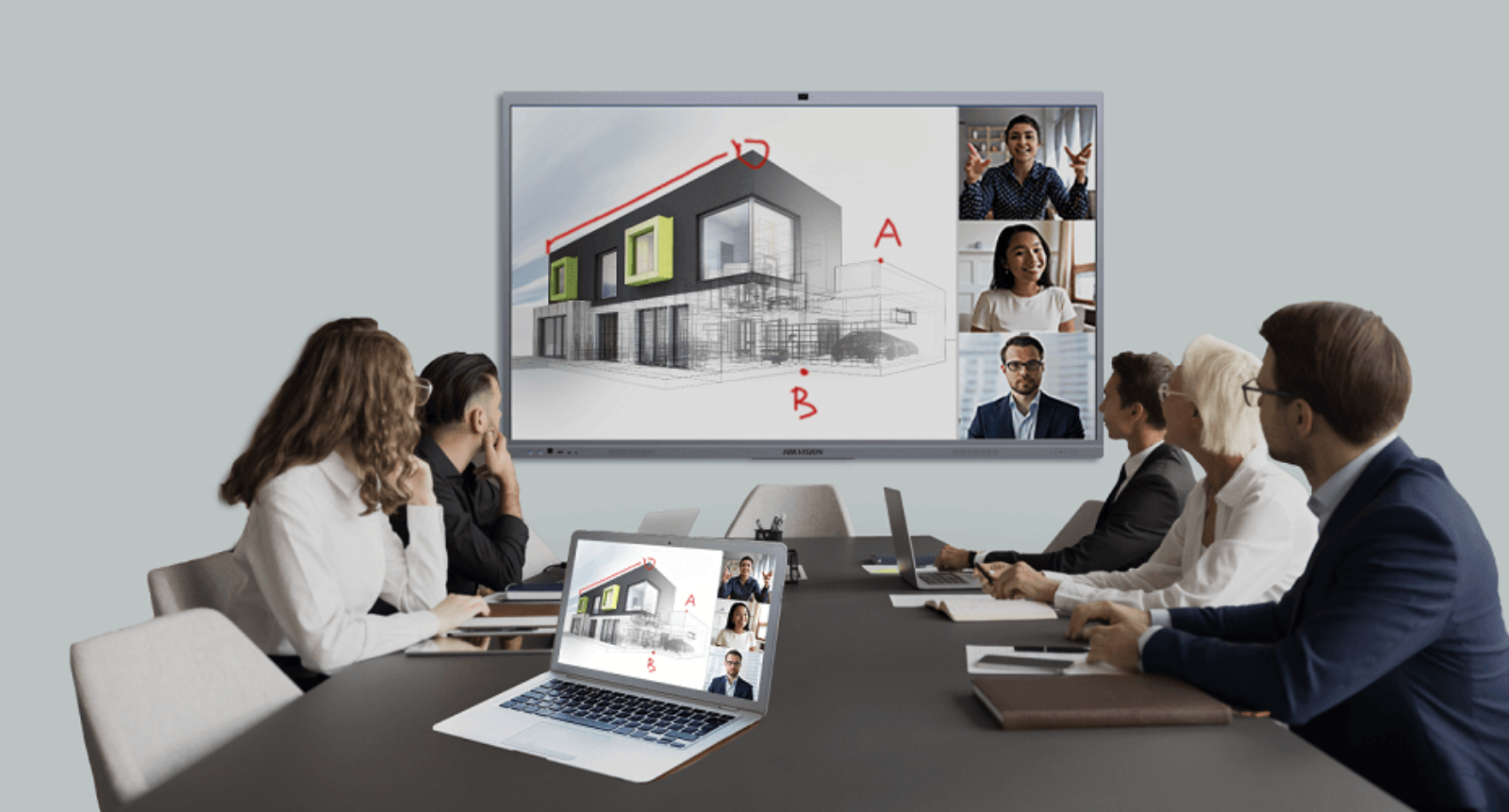
Interactive visuals help keep the audience interested and focused on the topic being discussed. Instead of just looking at static slides, a presenter can highlight key words, draw diagrams on the fly, or zoom in on important details of an image. This makes the information feel more “alive” and helps people follow along with the explanation much more easily.
Better Collaboration
These boards are designed so that everyone can participate directly, which turns a one-way lecture into a group discussion. For example, during a team meeting, several people can stand at the board at once to write down ideas, move digital objects around, or edit a shared document together. This active participation creates a productive environment where everyone feels their input is being seen and recorded.
Easy Content Sharing
Digital Note Saving
Cleaner and More Organized Workspaces
Because the entire system is digital, you no longer need to deal with the mess and smell of dry-erase markers or dusty erasers. There are no “ghostly” stains left behind from old ink, and you don’t have to worry about running out of supplies in the middle of a big presentation. This keeps the room looking professional and ensures that all your information is neatly organized and easy to manage.
Interactive Whiteboards for Business Meetings
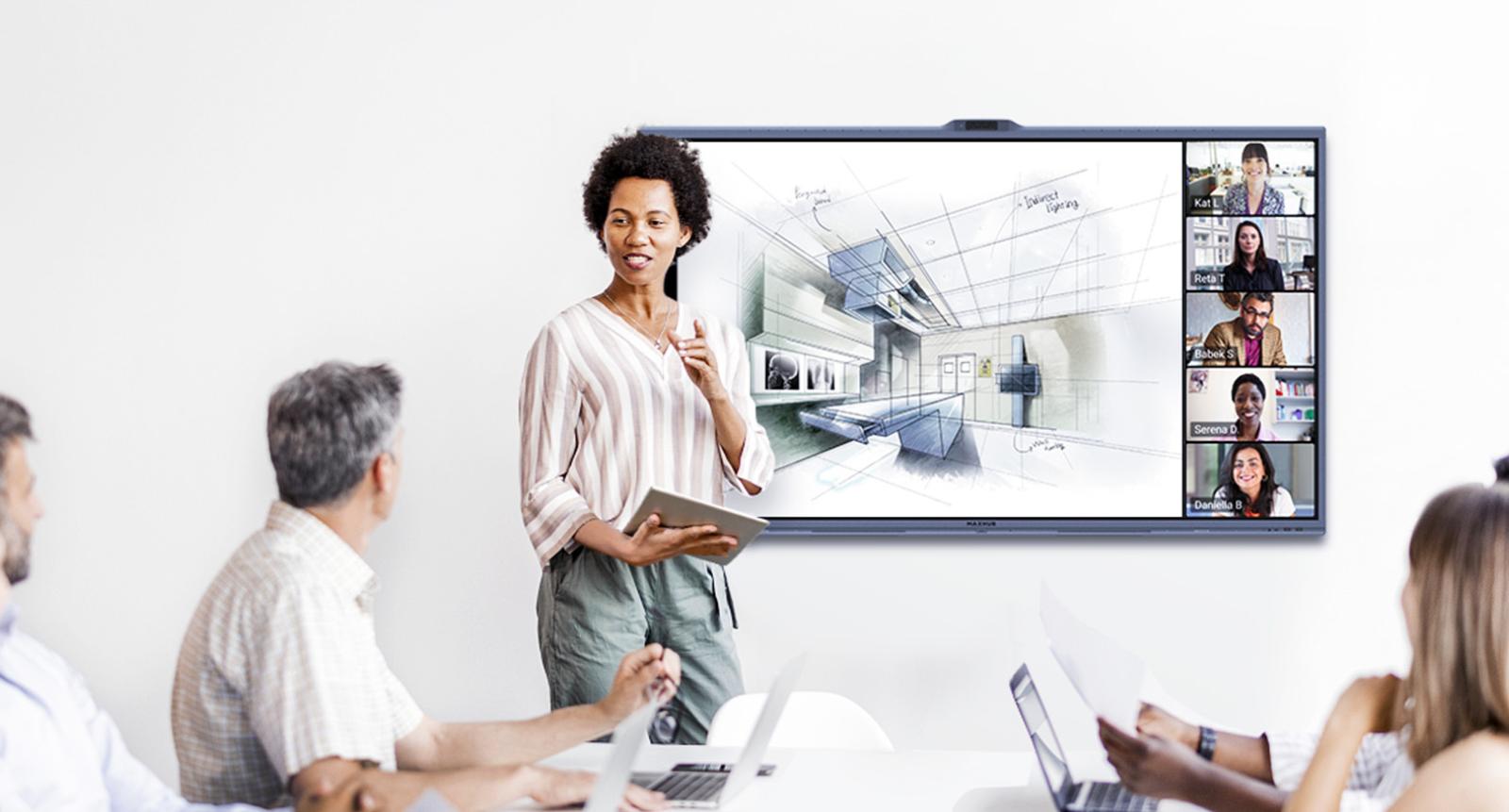
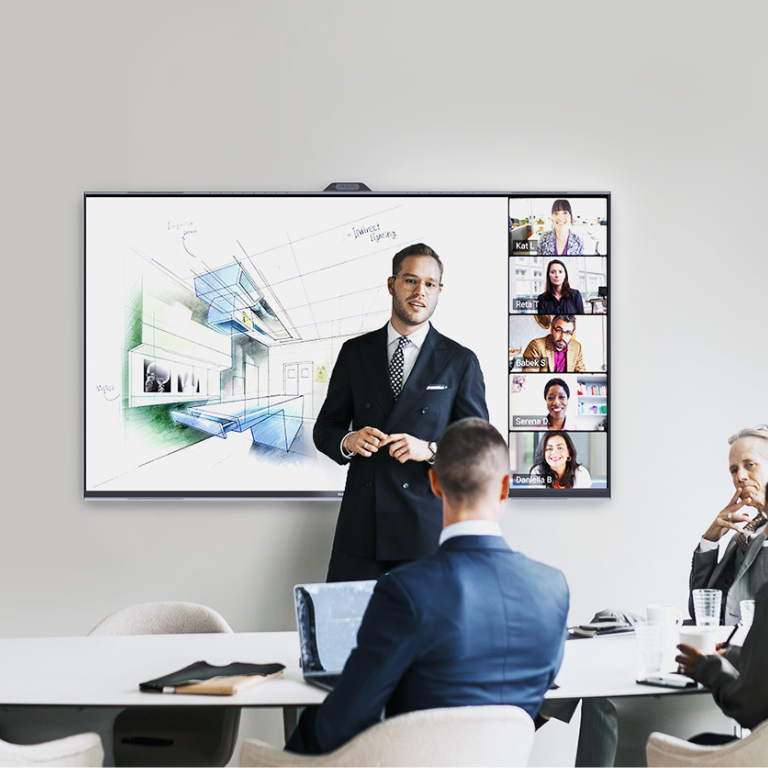
Interactive whiteboards are also widely used in meeting rooms and conference rooms. In business environments, these displays help teams collaborate more effectively.
During meetings, teams can:
During meetings, teams can:
- Present slides
- Write ideas during brainstorming sessions
- Review documents together
- Connect remote participants
Because everything can be saved digitally, meeting notes are easier to organize and share with colleagues afterward.
For companies that regularly hold meetings or training sessions, interactive whiteboards can significantly improve communication and productivity.
Interactive Whiteboards for Education
Schools are one of the biggest users of interactive whiteboards today.
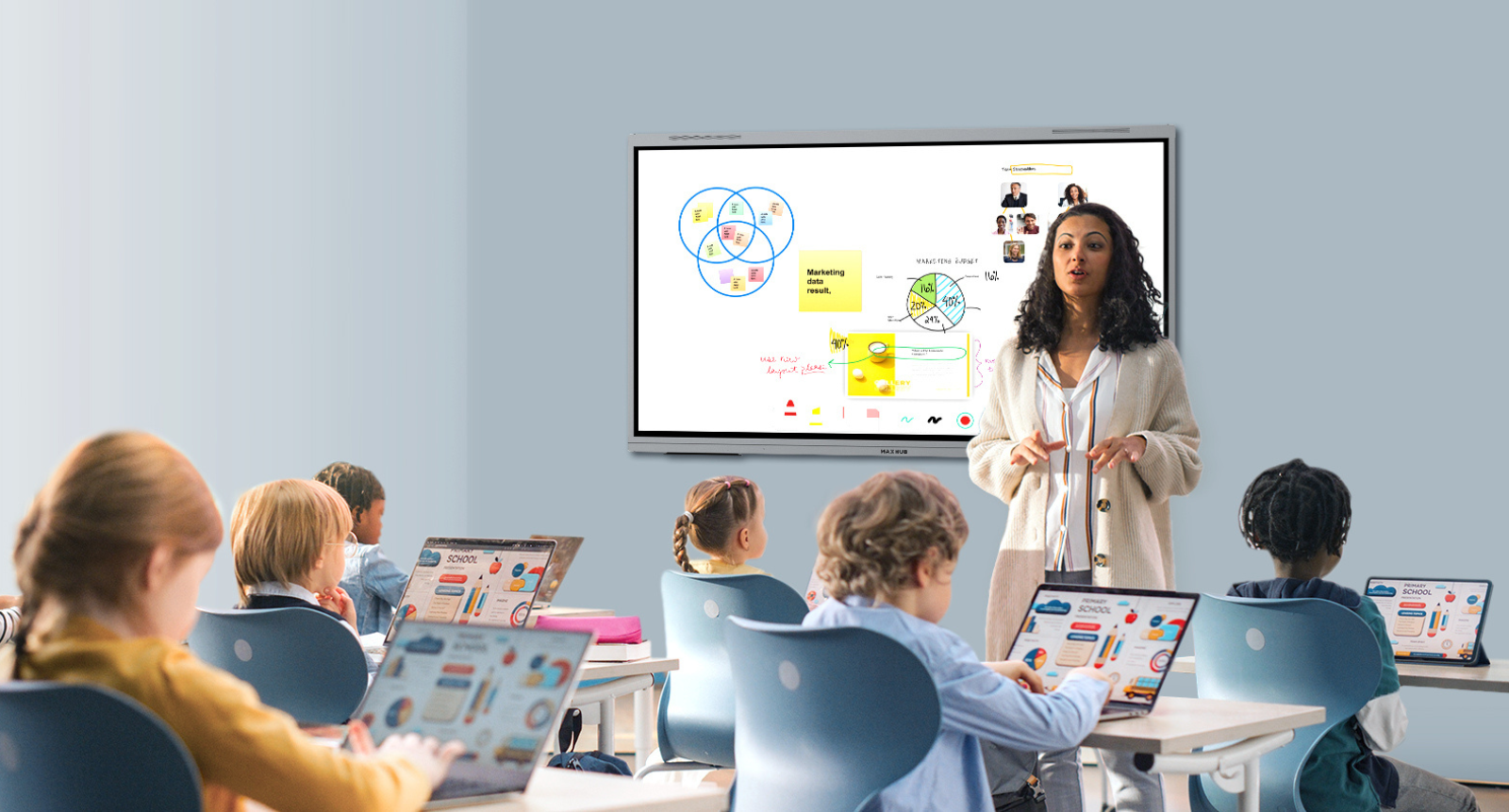
Teachers can create more engaging lessons using videos, images, and digital annotations. Students can also interact with the board during lessons, making learning more hands-on and enjoyable.
For example, teachers can:
- Highlight key points during a lesson
- Play educational videos
- Display diagrams and charts
- Allow students to solve problems directly on the board
This interactive approach helps students stay focused and understand lessons better.
Many schools in Singapore are already upgrading classrooms with digital displays to support modern learning methods.
Key Features to Look for in an Interactive Whiteboard
When choosing an interactive whiteboard, it is important to consider the features that will best support your needs and make your daily tasks easier.
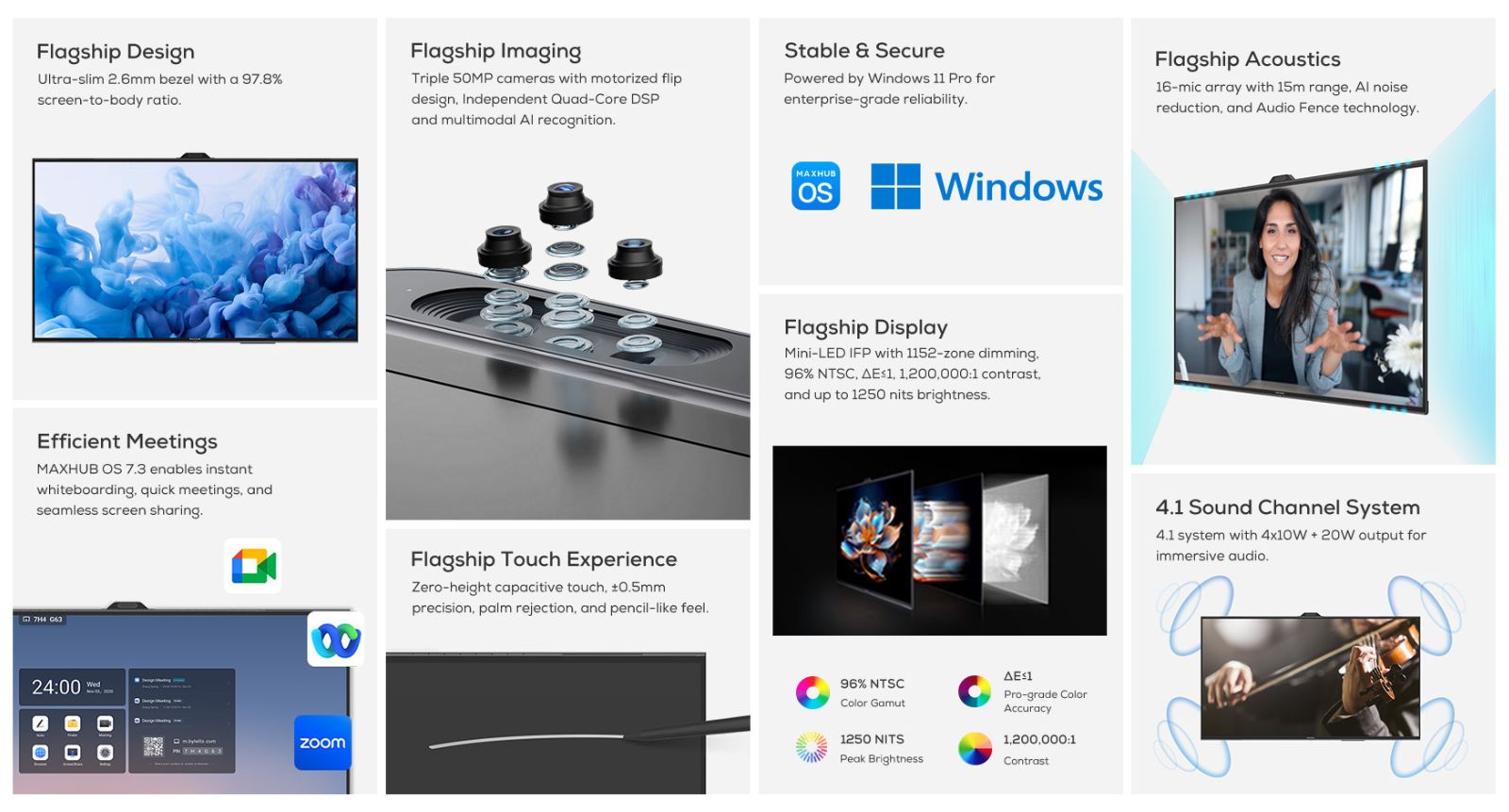
Display Quality
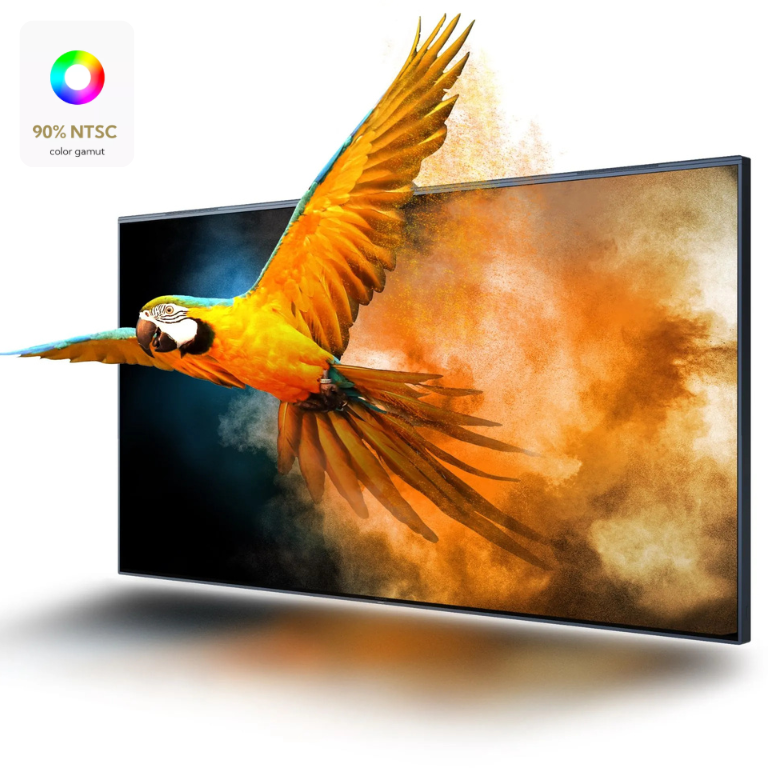
A high-resolution display ensures that everything you show—like text, images, and videos—looks sharp and professional. This is crucial because it helps people at the back of the room see small details without straining their eyes. A bright and clear screen also prevents the colors from looking washed out when the room lights are on.
Touch Responsiveness
A quality interactive board should feel as natural to use as a smartphone or a tablet. It needs to track your finger or stylus accurately so that your writing appears exactly where you touch the screen. If there is a delay or “lag” when you draw, it can be distracting and make it difficult to take quick notes during a meeting.
Screen Sharing Capability
Built-in Collaboration Tools
Most modern interactive whiteboards come with helpful software for digital whiteboarding, highlighting, and saving notes. These tools allow you to write directly over a webpage or document and then save those edits to share with the team later. Having these features built-in means you don’t have to buy extra software to start being productive.
Device Compatibility
It is important to check that the interactive whiteboard works seamlessly with the technology you already own, such as Windows laptops, iPads, or Android tablets. If the board is compatible with many systems, you won’t run into “connection errors” when a guest tries to plug in their device. This flexibility ensures that everyone in the office or classroom can participate regardless of what brand of computer they use.
Interactive Whiteboard We Offer:
When selecting an interactive whiteboard, choosing a reliable brand is important for performance and long-term reliability.
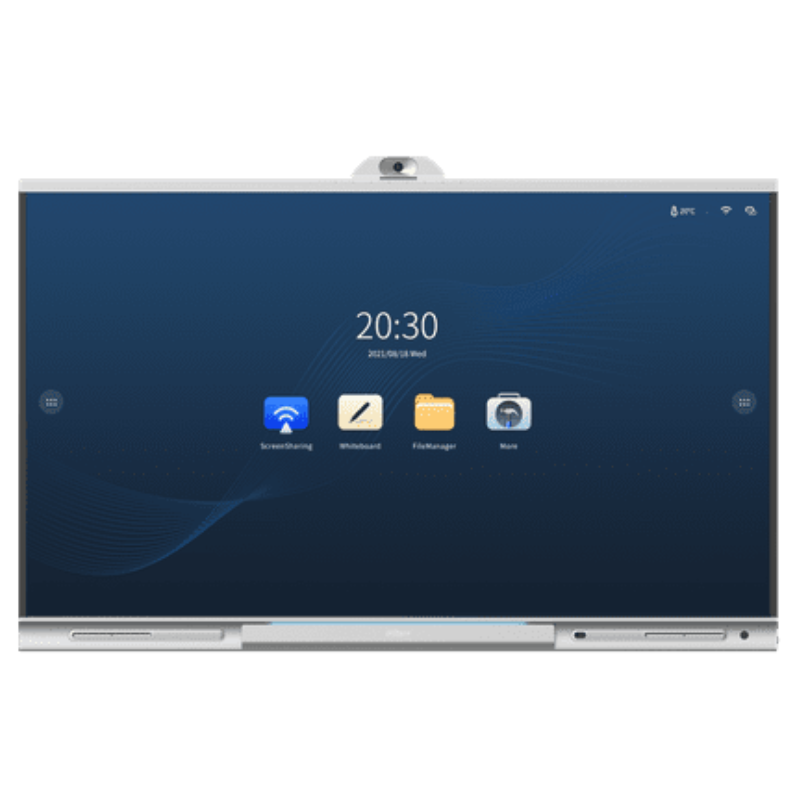
Dahua
Dahua offers interactive whiteboards designed for education and corporate environments. Their displays provide strong visual performance and support various collaboration tools.
They are often used in classrooms, training rooms, and corporate meeting spaces.
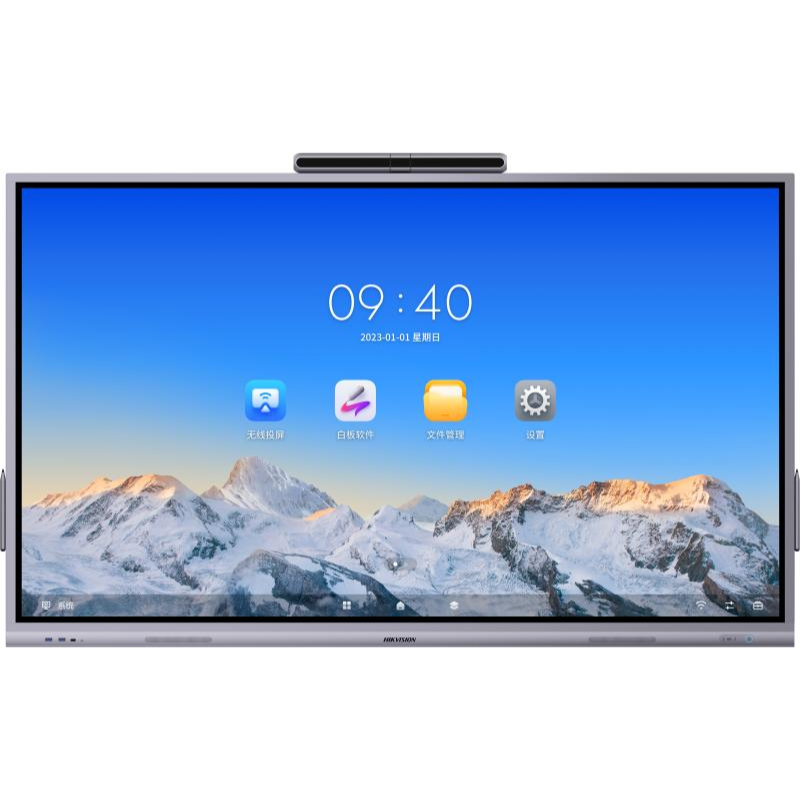
Hikvision
Hikvision also provides interactive whiteboards designed for teaching and presentations. Their interactive whiteboards support digital whiteboarding, annotation tools, and screen sharing features that make collaboration easier.
These displays are commonly used in both educational and professional environments.
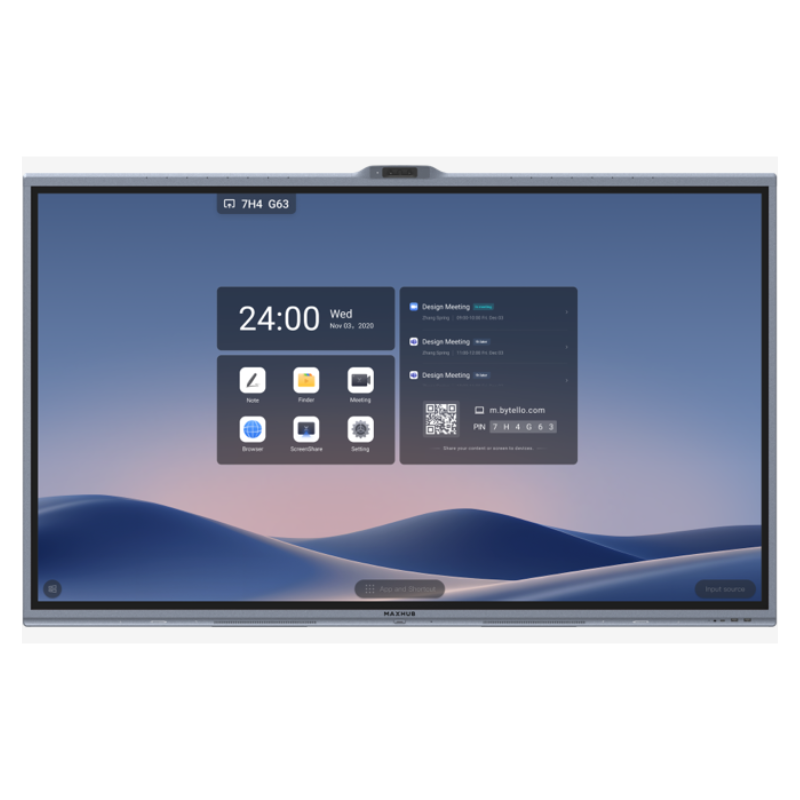
Maxhub
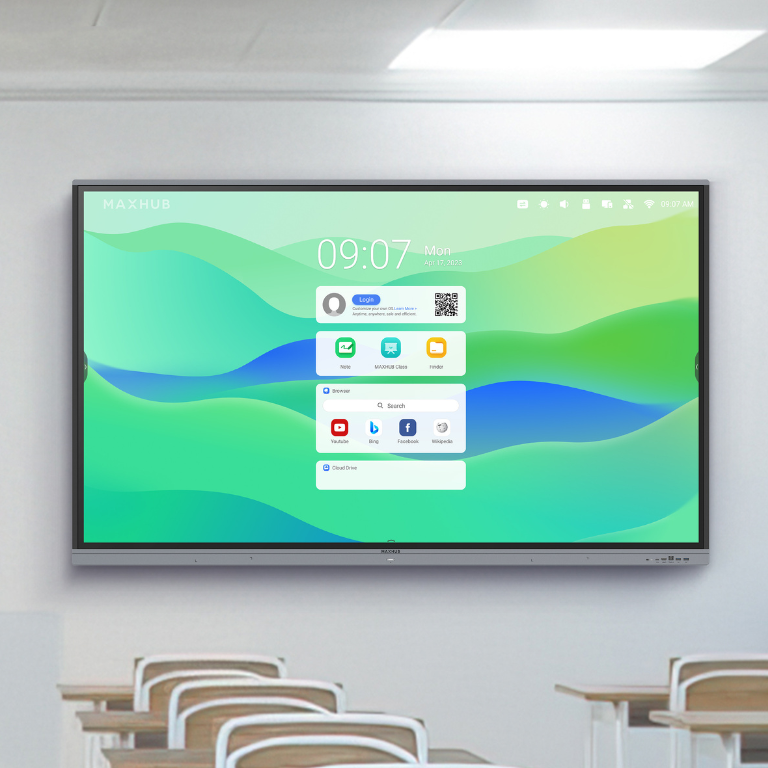
MAXHUB interactive whiteboards are widely used for business collaboration and conference rooms. They are known for their built-in video conferencing features, smooth touchscreen performance, and easy wireless screen sharing.
These displays are designed to simplify meetings and improve teamwork.
Where Interactive Whiteboards Are Commonly Used?
When selecting an interactive whiteboard, choosing a reliable brand is important for performance and long-term reliability.
Schools and Classrooms
In schools, teachers use interactive whiteboards to make lessons more exciting by showing videos and educational games that students can touch and move. Instead of just listening, students can come up to the board to solve problems or draw, which helps them stay focused and learn better. It also allows teachers to save their digital notes and send them directly to students who might have missed class.
Training Centers
Instructors at training centers use these boards to teach new skills or safety procedures to large groups of people. Because the board is interactive, the trainer can highlight important information in real-time or run simulations that the trainees can practice on. This hands-on approach makes it much easier for adults to remember the technical information they are learning.
Corporate Meeting Rooms
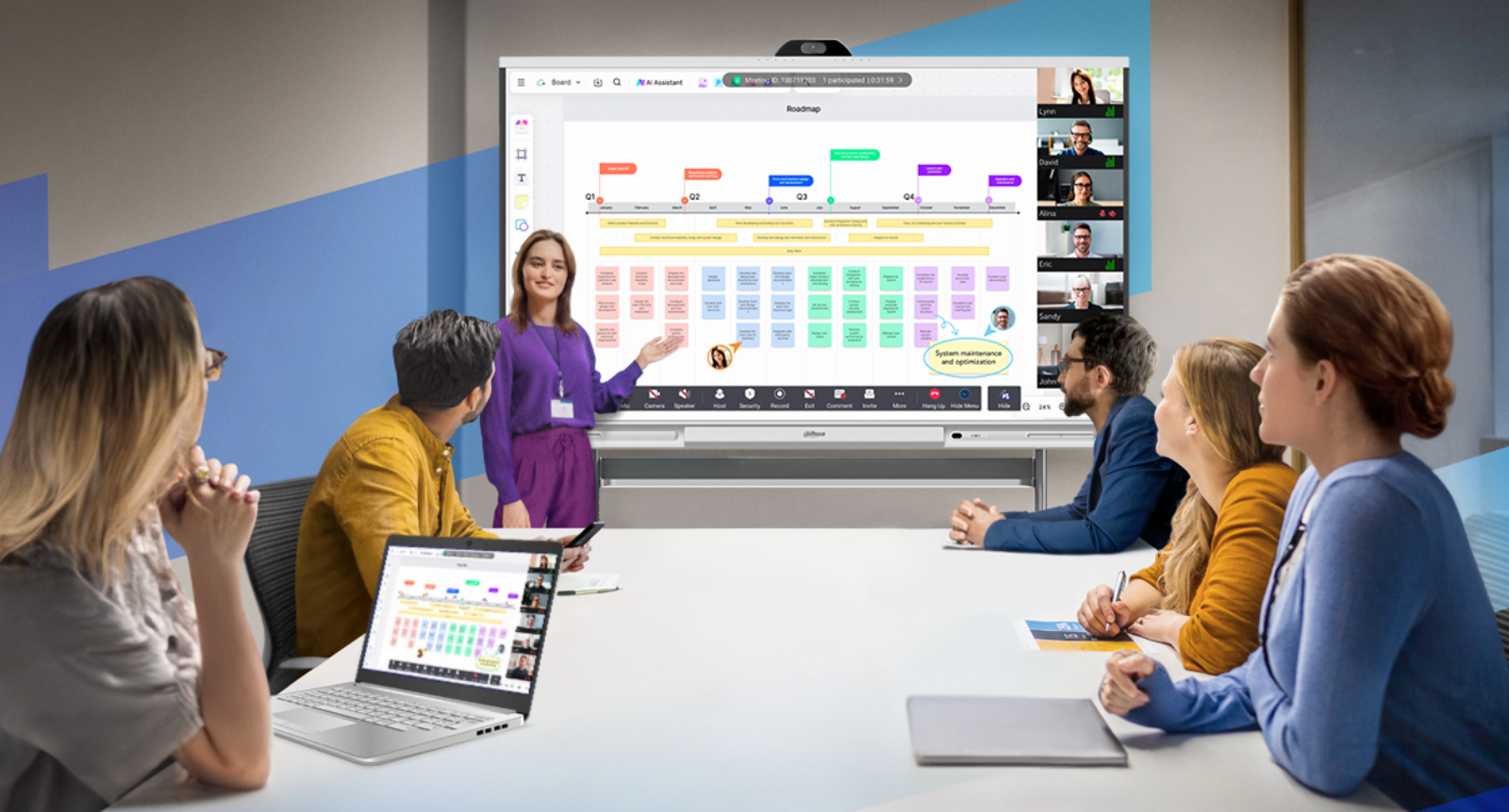
Companies often put interactive whiteboards in their meeting rooms to make brainstorming sessions more productive. Instead of just looking at a static slide, team members can write down ideas, move digital “sticky notes” around, and map out projects together. This creates a more active environment where everyone feels like they can contribute to the final plan.
Conference Rooms
For businesses with offices in different cities, interactive whiteboards are essential for video calls and remote meetings. They allow people in different locations to see the same screen and even draw on the same document at the same time. This makes it feel like everyone is in the same room, even if they are actually hundreds of miles apart.
Government and Institutions
Organizations and government agencies use these boards for high-level planning and presenting complex data to the public or staff. They are very helpful for looking at maps, charts, and budgets where the presenter needs to zoom in on specific details during a discussion. Having a large, clear screen ensures that everyone in a big meeting can see the information clearly.
Because of their versatility, interactive whiteboards are becoming a standard tool in many professional environments.
Choosing the Right Interactive Whiteboard for Your Needs
Not all interactive whiteboards are the same, so it is important to choose one that matches your requirements.
Consider the following factors:
- Room size
- Number of participants
- Display size required
- Collaboration features needed
- Compatibility with existing systems
For example, a classroom may require a larger display with teaching tools, while a meeting room may focus more on wireless screen sharing and video conferencing.
Working with an experienced supplier can help ensure the system is properly selected and installed.
The Future of Interactive Collaboration
Technology is constantly changing how we talk to each other and share our best ideas. Interactive whiteboards are at the heart of this change, helping schools and businesses move away from old-fashioned boards and paper toward a more exciting, digital way of working.
As more groups start using digital tools, these interactive displays will become even more important for daily teaching and office communication. By mixing easy touch controls with videos and wireless connections, these systems break down barriers and make it simple for everyone to work together. They turn a plain wall into a powerful hub where knowledge is shared instantly and no great idea is ever lost.
Ready to bring your workspace to life?
Setting up a new system can be tricky, but we are here to help. Contact us today for a professional interactive whiteboard installation that is fast, clean, and ready to use.
Why Choose Smart AV Solutions?
Premium Display Technology
We provide advanced interactive solutions that combine exceptional clarity, ultra-responsive touch, and reliable performance. Designed for both corporate and educational environments, our displays elevate collaboration, streamline presentations, and ensure every detail is seen with precision and vibrancy.
Trusted Global Brands
We provide a curated selection of industry-leading interactive whiteboard from Hikvision, Dahua, and Maxhub, ensuring high-quality hardware designed for corporate and educational environments. Each brand offers reliable performance, advanced features, and seamless integration, giving clients the flexibility to choose the solution that best fits their space, collaboration needs, and budget.
Fully Customised Installations
Every installation is tailored to your unique requirements, taking into account room size, usage patterns, and desired features. From board placement and screen size to touch sensitivity and software setup, we design and implement a solution that maximizes usability, collaboration, and visual impact for your team or classroom.

Ongoing Maintenance & Support
Our team provides routine checks, software updates, troubleshooting, and on-demand assistance to keep your system running at peak performance.
Our professional certification and your guarantee

ISO quality management system certification
Ensure that all services and products meet international quality standards and provide traceable quality assurance.

BCA Building and Building Materials Certification
Ensures that we meet the strict specifications and technical requirements of the construction industry in electrical and mechanical wiring projects.

BISAFE Safety Management Certification
Strengthens our safety management during the construction process to ensure that every project is free of safety hazards.

Police Background Check Certification
Provides customers with a higher level of trust and ensures the integrity and reliability of all staff.
Our Service Process

Step 1: On-Site Consultation
We visit your location to understand your meeting room or classroom setup, user workflow, seating arrangement, lighting conditions, and connectivity needs. This allows us to recommend the most suitable interactive whiteboard size, features, and brand (Hikvision, Dahua, or Maxhub).

Step 2: Custom Quotation
You will receive a tailored proposal that includes recommended models, screen sizes, mounting options, accessories, and integration requirements such as wireless sharing, video conferencing, and network setup. All pricing and specifications are clearly outlined based on your operational needs.

Step 3: Installation & Setup
Our technicians handle the complete installation—from wall mounting and cable management to software setup and network integration. We ensure the interactive whiteboard is optimised for touch accuracy, display clarity, wireless connectivity, and conferencing functions, so your team can start using it immediately.

Step 4: Maintenance & Support
We provide user training for your team, helping them maximize collaboration tools, annotation features, and wireless sharing. Our support team offers routine checks, firmware updates, and troubleshooting to keep your interactive whiteboard performing at its best long-term.
Frequently Asked Questions
What is an Interactive Whiteboard?
An Interactive Whiteboard is a touch-enabled digital display that allows users to write, draw, present, and interact directly on the screen. It replaces traditional whiteboards and projectors, offering clearer visuals, wireless sharing, and real-time collaboration features.
What are the common uses of an Interactive Whiteboard?
They are commonly used in:
Corporate meeting rooms
Classrooms and lecture halls
Training centres
Conference spaces
Public sector institutions
Remote and hybrid collaboration environments
What brands of interactive whiteboards does Smart AV Solutions offer?
We offer three major brands in Singapore:
Hikvision Interactive Displays
Dahua Interactive Panels
Maxhub Interactive Flat Panels
These brands are known for 4K clarity, reliable touch performance, wireless connectivity, and long-term stability.
What sizes are available?
Most interactive whiteboards come in 65″, 75″, 86″, 98″, and larger.
Hikvision, Dahua, and Maxhub each offer common size variations suitable for small rooms, meeting spaces, and large classrooms.
Do interactive whiteboards support video conferencing?
Yes. Most models integrate smoothly with platforms such as:
Zoom
Microsoft Teams
Google Meet
Cisco Webex
DingTalk
This makes them ideal for hybrid meetings and online classes.
Schedule an
Appointment
For a Personalised Demo
2 Yishun Industrial Street 1, #04-11 North Point Bizhub, Singapore 768159

Welcome to Smart AV Solutions Singapore, your destination for smart home solutions. We help you transform your home into a modern and efficient living space with our state-of-the-art products and services. Discover the full potential of a smart home with us today.
Shop Now
Quick Links
Get In Touch
2 Yishun Industrial Street 1, #04-11 North Point Bizhub, Singapore 768159
- Email: sales@techcom.co
- Phone: +65 6677 0000
- Phone: +65 9277 8888
- Hours: Mon-Fri 9:00AM - 5:00PM